
Depuis la version 2026, Flux 3D et Flux PEEC ne sont plus disponibles.
Veuillez utiliser SimLab pour créer un nouveau projet 3D ou pour importer un projet Flux 3D existant.
Veuillez utiliser SimLab pour créer un nouveau projet PEEC (pas possible d'importer un projet Flux PEEC existant).
/!\ La documentation est en cours de mise à jour – des références au 3D peuvent subsister.
Exemples Flux via PBS
Voici quelques exemples Flux prêtts pour être executer via PBS.
2D exemples
| Exemple | Documents | Illustration |
|---|---|---|
| Magneto Static application - Sensor |
With one Flux File and python files to drive the solving and postprocessing process
With one python file to drive the construction of the geometry, the physic setting, the solving and postprocessing process
With multiple python files to drive the construction of the geometry, the physic setting, the solving and postprocessing process
With one Flux File. In this case we will solve the existing scenarios (no postprocessing) | 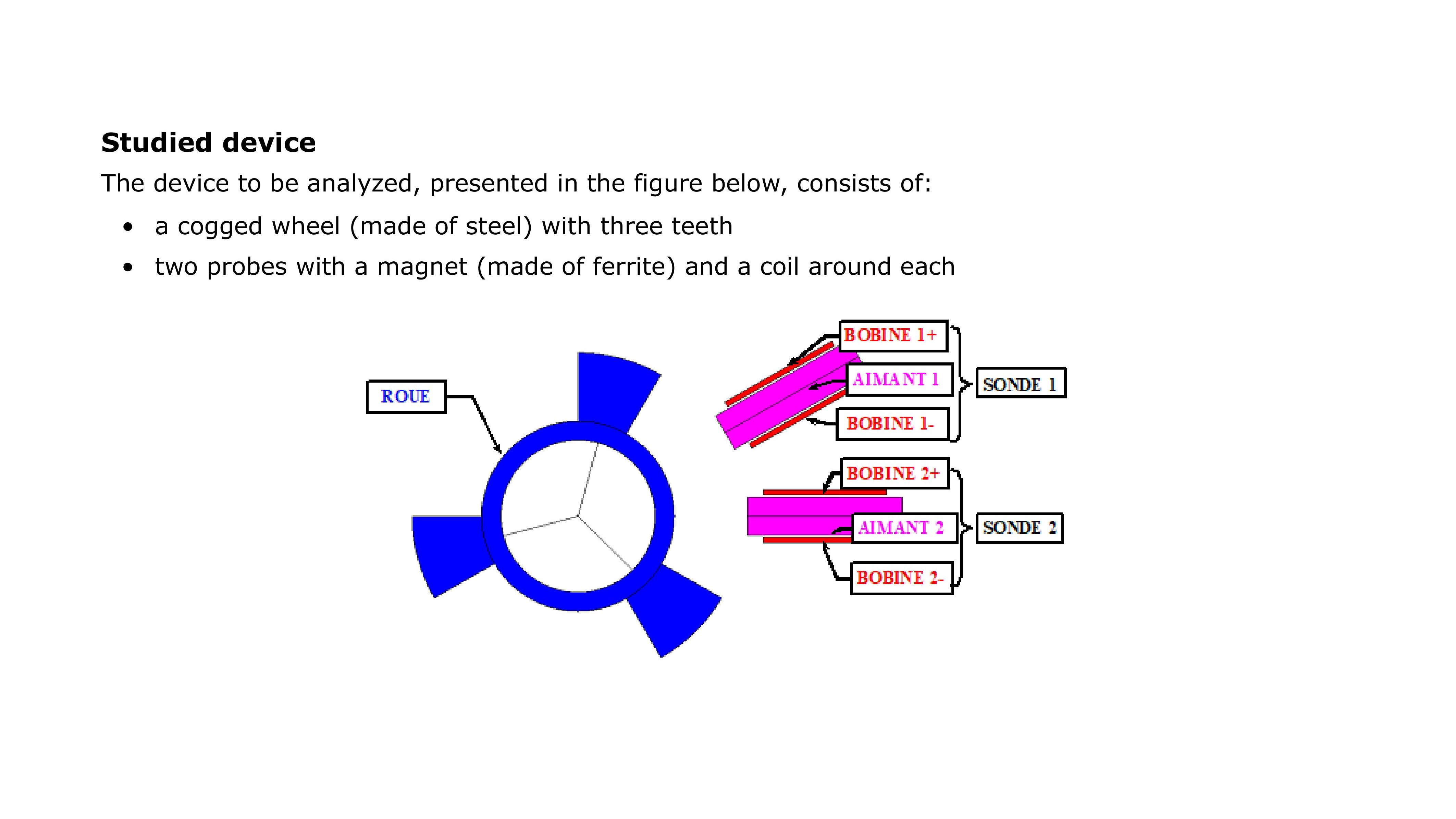 |
 Résumé
 MagnetoStaticApplicationSensor_FluxAndPython.zip
3D exemples
| Example | Documents | Illustration |
|---|---|---|
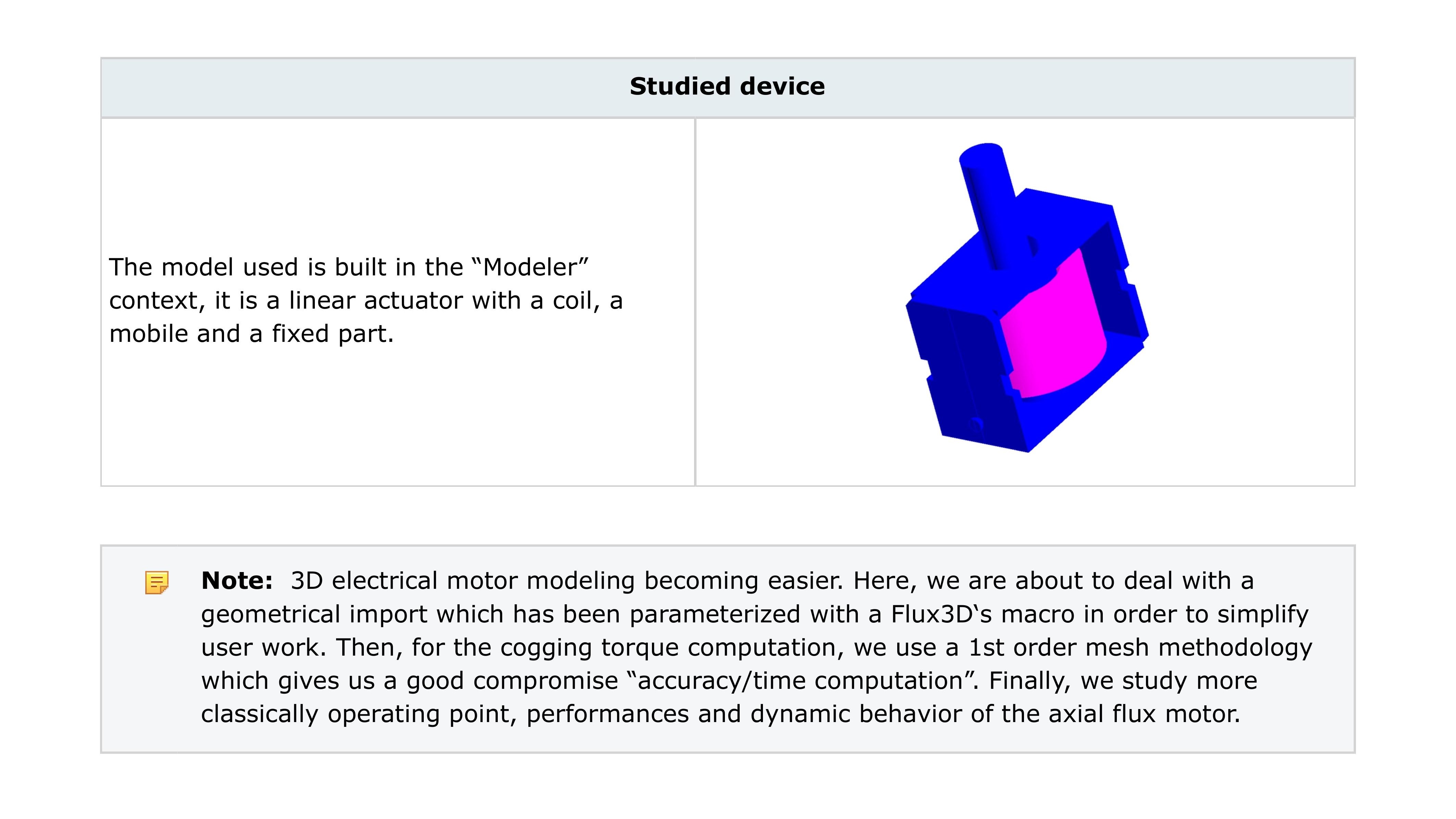
| Linear Actuator |
Avec un projet Flux et des fichiers python pour piloter le processus de résolution et d'exploitation
Avec un seul fichier python pour gérer la construction de la géométrie, la physique, la résolution et l'exploitation
Avec de multiples fichiers python pour piloter la construction de la géométrie, la physique, la résolution et l'exploitation. Avec un seul projet Flux. Dans ce cas, nous allons résoudre les scénarios existants (pas d'exploitation) |
 |