Set up and submit optimization runs by creating design variables, constraints, and
objectives for improving MAC and reducing frequency mismatch between the reference and
correlation models.
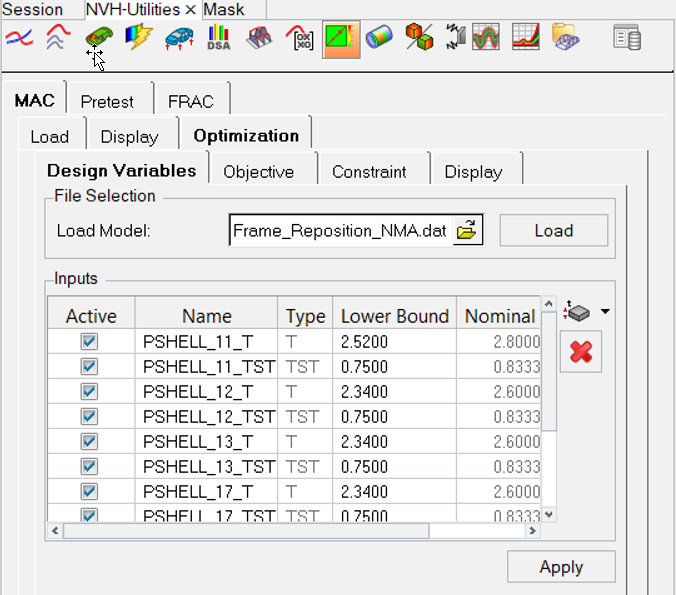
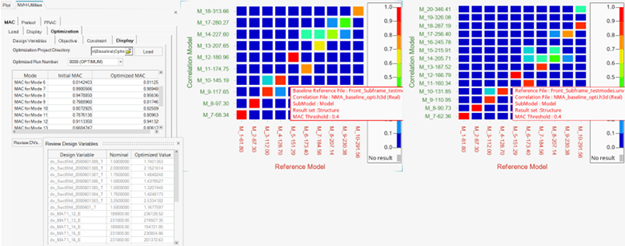
Figure 1. Model Correlation Utility - MAC Tab - Optimization Sub-tab
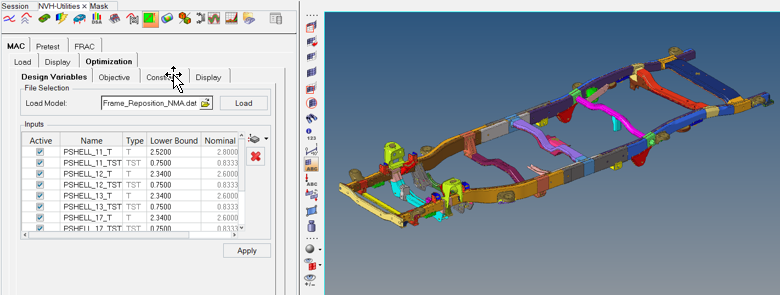
Select Design Variables
From the Design Variables tab, load the model file associated with correlation result set
(H3D, OP2, or ODB), then select the design variables to be used for optimization.
Figure 2.
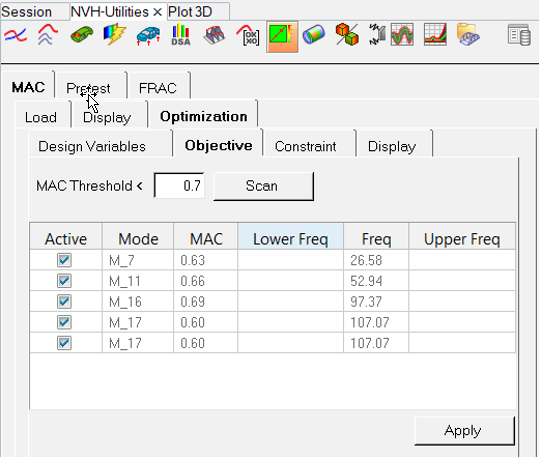
Objective
Filter and select the modes to maximize the MAC value as an objective for optimization.Figure 3.
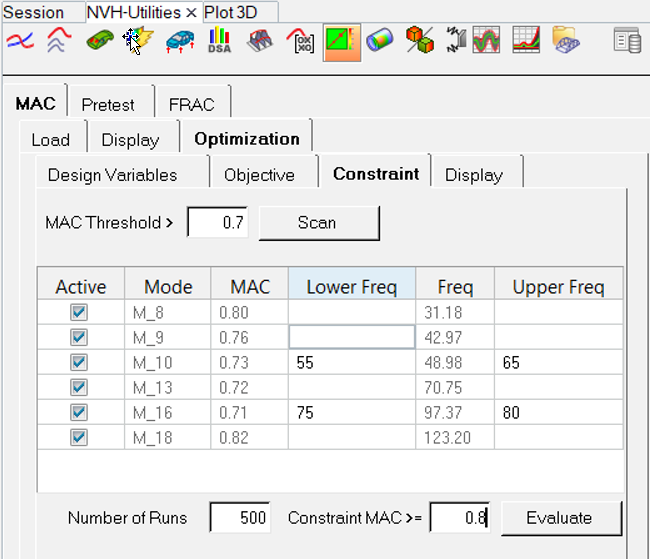
Constraint
Filter and select the modes for which constraints are to be maintained for MAC values and
frequencies. You can specify the MAC constraint for each mode in addition to the global
constraint for all modes.Figure 4.
Display
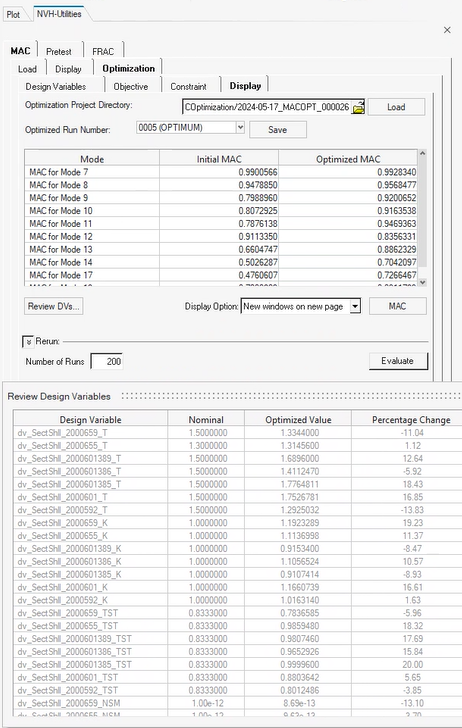
You can display the comparison of optimized MAC values versus baseline MAC values for the
selected optimization run, as well as the comparison of design variables. You can export the
model file with the design variable values for the selected optimized run. There is an
option to rerun the optimization setup for non-convergence of optimization runs.Figure 5. Figure 6.