
X-Factor
X-Factors - Settings
 |
|
|---|---|
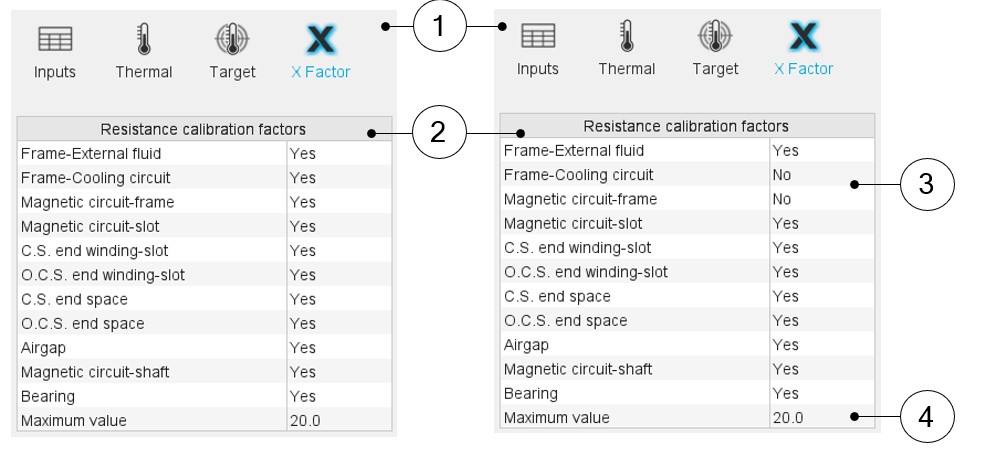
| 1 | Opening of the dialog box for defining the list of the calibration factors (X-Factors) to be considered during the fitting process. |
| 2 | List of the calibration factors (X-Factors) to be considered during the fitting process. By default, all the X-Factors are considered for the fitting process. The user must select the ones that must not be considered while operating the process. |
| 3 | Set the value to No when the corresponding X-Factors must not be considered during the process. |
| 4 | The optimization process considers the X-Factor variations in
a value range between 1 and the "maximum resistance factor
value". The default value of the "maximum resistance factor
value" is set to 20. However, when the robustness of the
convergency process must be strengthened, it is recommended to
decrease this value. Note: Anyway, the
internal optimization process always tries to find X-Factors
as close as possible to 1. |