
Transmission Loss
Learn how to use the Transmission Loss tool.
-
From the Analyse ribbon, click the Transmission Loss
tool.
Figure 1. 
-
From the guide bar, click Panels
to select the panels you want to determine the transmission loss for.
Figure 2. 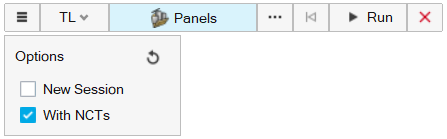
-
From the guide bar, click
 and select New Session to open the selected panels in
new session. If unselected, the model runs in a batch run, with the results
plotted in the same session.
and select New Session to open the selected panels in
new session. If unselected, the model runs in a batch run, with the results
plotted in the same session.
-
From the guide bar, click and select With NCTs to consider the sound package
part applied to the structural subsystem.
- Click Run to calculate the transmission loss.
- Once the model is solved, the Plot Manger opens.
-
From the Plot Manager, click the plot for Transmission
Loss to view the results.
Figure 3. 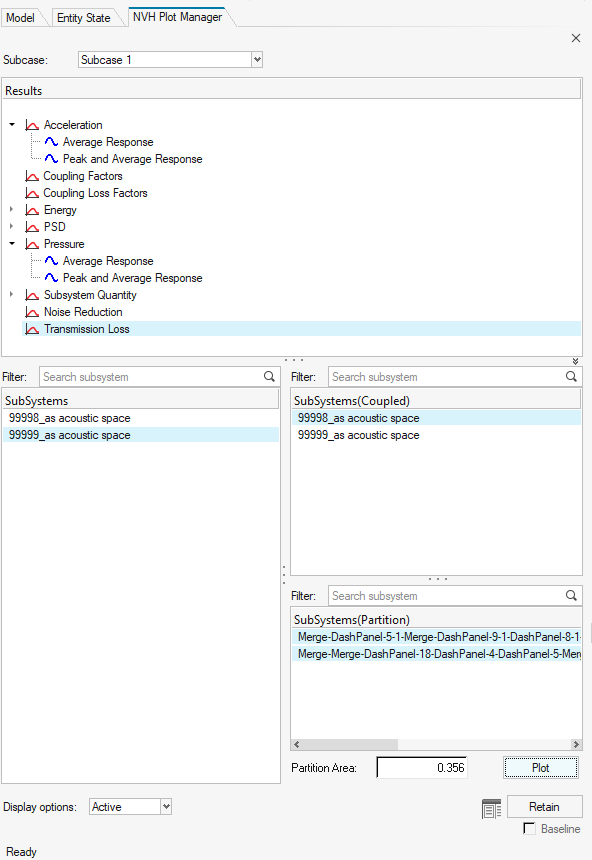
Figure 4. 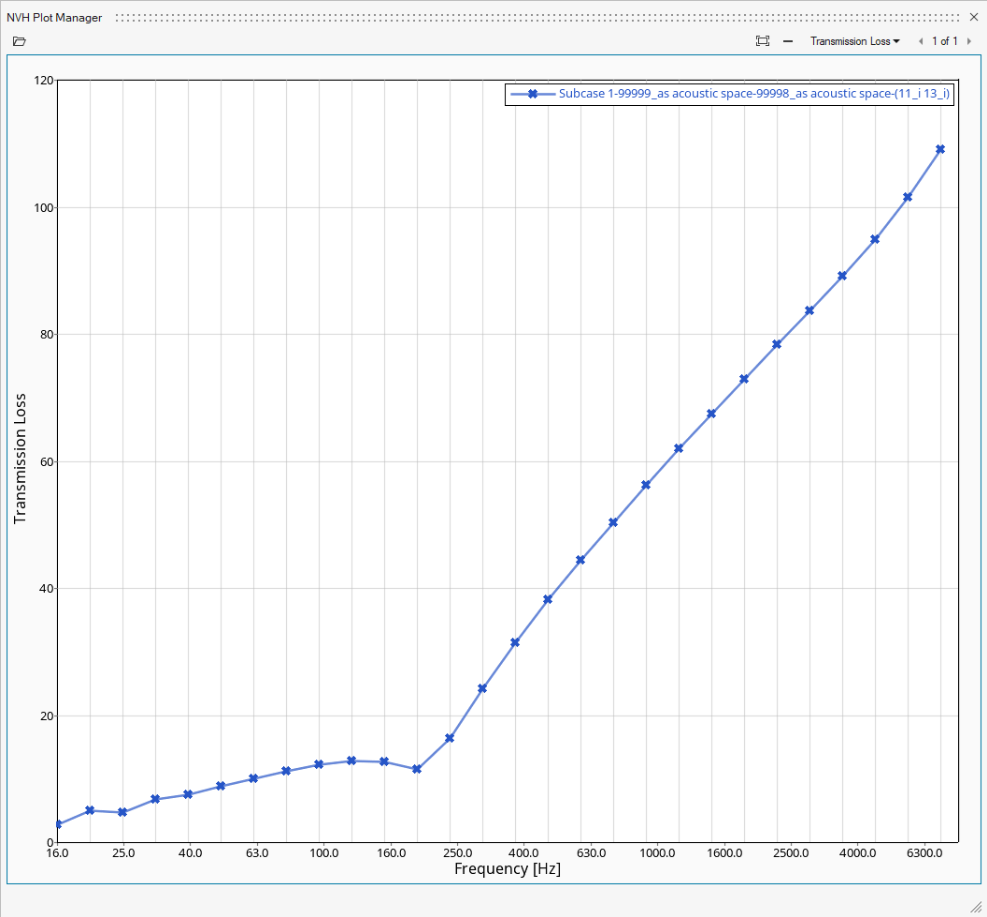
Note: Currently, the Transmission Loss tool only supports single-connected structural subsystems. The tool does not support acoustic subsystems between other subsystems.