Analysis Explorer
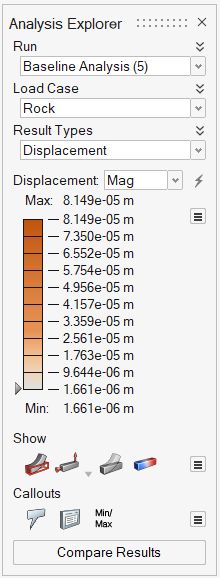
Use the Analysis Explorer to view the results of a completed simulation.
The Analysis Explorer opens automatically when a run is completed. Click the Show Analysis Results tool on the Analyze icon to manually open the Analysis Explorer.
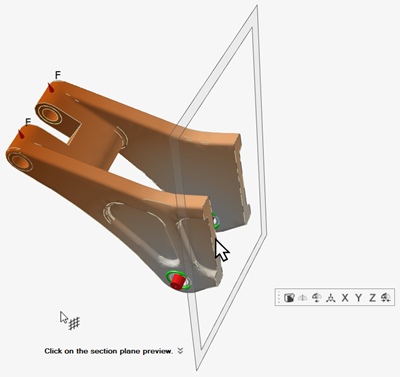
Tip: When using SimSolid as the solver, creating a section cut displays analysis results
in the section plane. For more information, see Create a Section Cut.