
Design
Type of frame
In this section, two choices are available to define the type of frame topology: None or Circular.
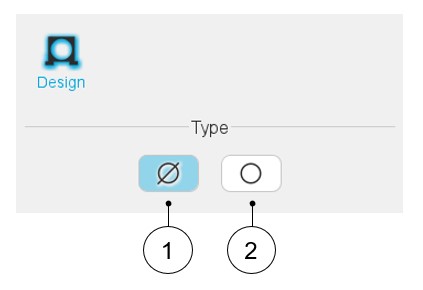
By default, housing type is set to “None”. There is no frame.
 |
|
|---|---|
| 1 | Default setting: Housing type is « None ». The machine has no frame. |
| 2 | Button to select a circular-shaped frame. |
Circular shape
 |
|
|---|---|
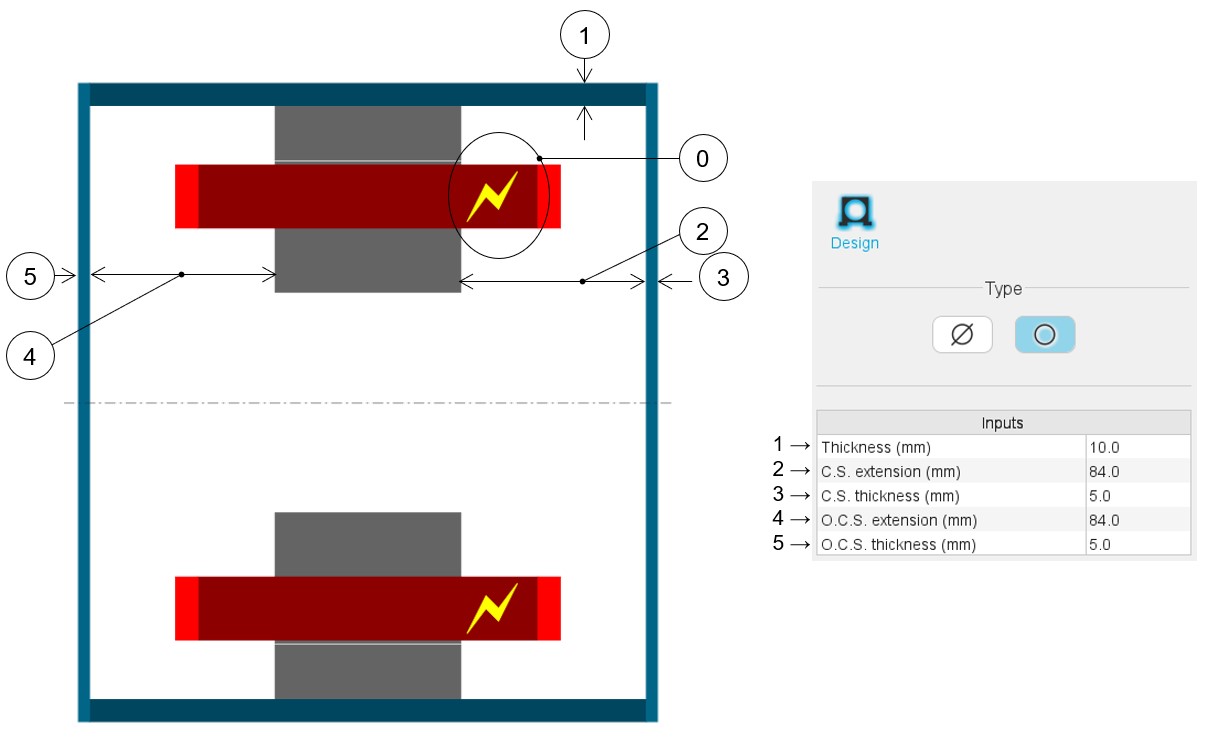
| 0 | Definition of the Connection Side (C.S.). It is identified by yellow lightning. The other side is called the Opposite Connection Side (O.C.S.). This helps to easily differentiate between both sides of the machine. |
| 1-5 | User input parameters to define frame dimensions in the axial view. |
Validity domain
Here are the allowed range of values of the frame dimensions in the axial view:
- Thickness of the frame: ]0, 50] mm.
- Connection side extension: ]0, 20000] mm.
- Connection side – End-plate thickness: ]0, 50] mm.
- Opposite connection side extension: ]0, 20000] mm.
- Opposite connection side – End-plate thickness: ]0, 50] mm.