|
Dashboard Design
Before you can perform the other dashboard settings, you must first add visualizations, controls, or general parts on the dashboard.
To add the dashboard parts, you can either:
q Use the dashboard templates in the workbook themes, or
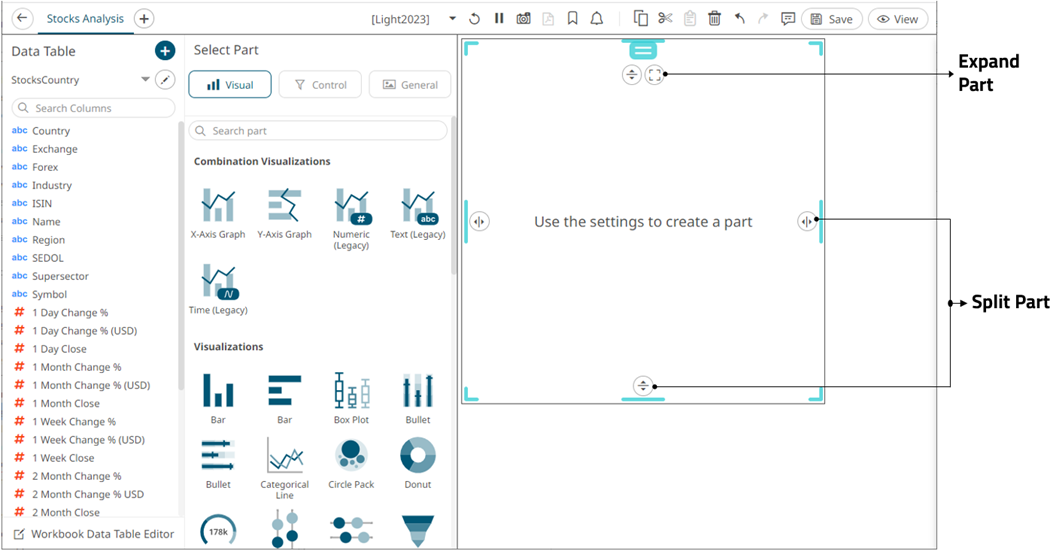
q Double-click or draw a rectangle on the dashboard canvas.
A rectangle shape displays on the dashboard canvas, with an instruction “Use the settings to create a part.” The corresponding definition of the selected part can be done on the Select Part pane.