Creating and Assigning Design Parameters in Creo
Following are the steps to create and assign the design parameters.
Step1: Creating Parameters in Creo
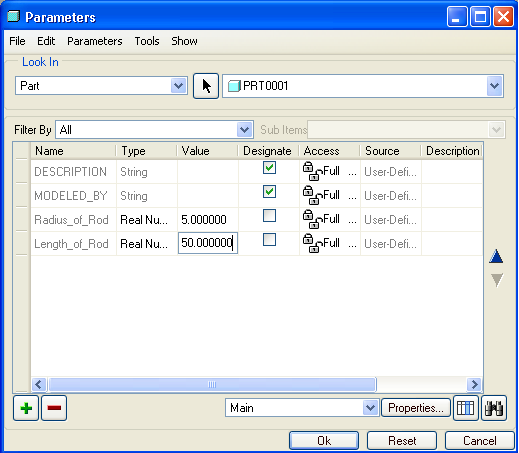
Parameters can be created in Creo by selecting Tools | Parameters.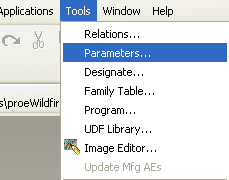
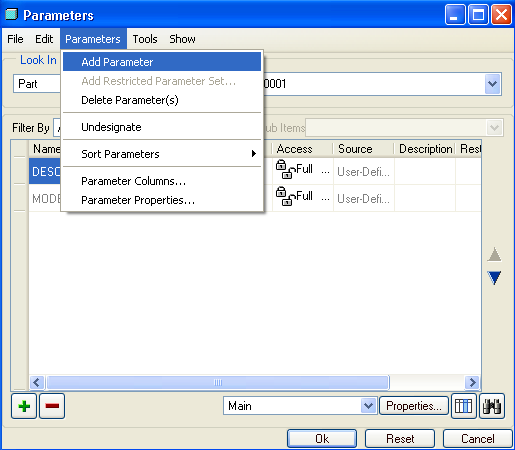
Creating two parameters and assigning value to it:
- Radius_of_Rod = 5
- Length_of_Rod = 50
Step2: Assigning the parameters
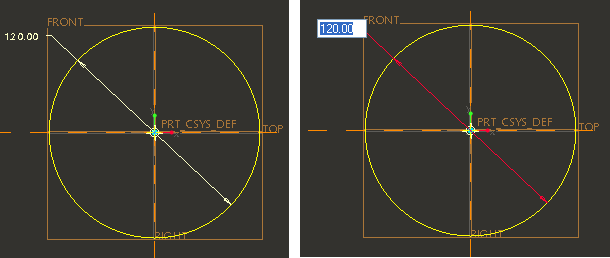
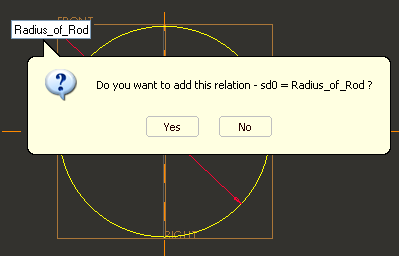
Assigning the parameter "Radius_of_Rod" to the radius of circle.
- Double click the dimension (Circle Radius) and enter the parameter name.
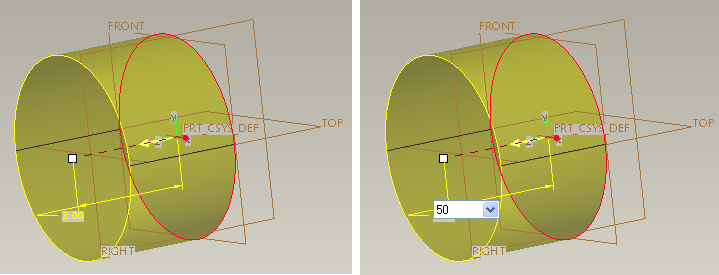
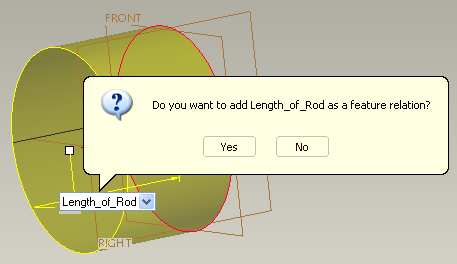
Assigning the parameter "Length_of_Rod" to the extrude length of circle.
- Double click the dimension (Length_of_Rod) and enter the parameter name.