Using Monarch in Trial Mode
The first time you install Monarch, you may use a trial version of the software free for 30 days. Afterward, you must activate Monarch through any of the ways described in this guide if you wish to continue using it. Note that the trial period is not applicable to Monarch Classic. To use a trial version of Monarch Data Prep Studio, select the Start Trial button in the Choose License Method screen of the License Manager.

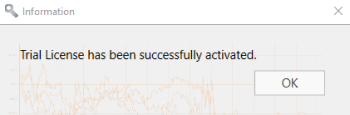
The following popup displays:
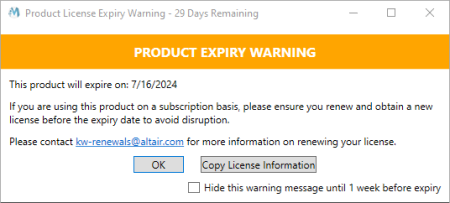
When using the software in trial mode, the following popup displays to remind you of when your trial expires.
When this popup is closed, you are given the option to either continue your trial or activate or buy a Monarch license.
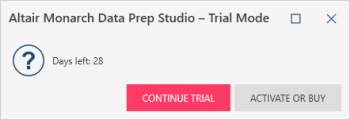
When the application is run, the number of days/hours remaining in your trial displays in the middle of the screen and persists in upper right-hand corner of the application window.

Notes:
- A connection to the internet is required to start the application in trial mode.
- COM and CLI automation are not supported in trial mode.
- Exports in trial mode are limited to 10 rows.
© 2025 Altair Engineering Inc. All Rights Reserved.