Requesting a Near Field Boundary
Add a near field boundary request to the model. This type of request allows you to define a cuboidal near field request where the request points are located on the surface of the cuboid, but you have the option to exclude specific surfaces (faces).
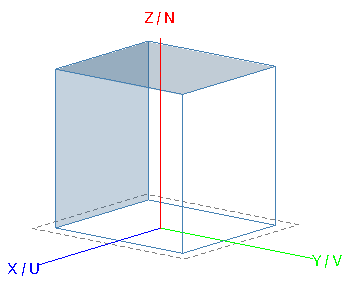
Figure 1. An example of a Cartesian boundary near field request with only the +N surface and -V surface included (faces shown in blue).
-
On the Request tab, in the
Solution Requests group, click the
 Near Fields
icon.
Near Fields
icon.
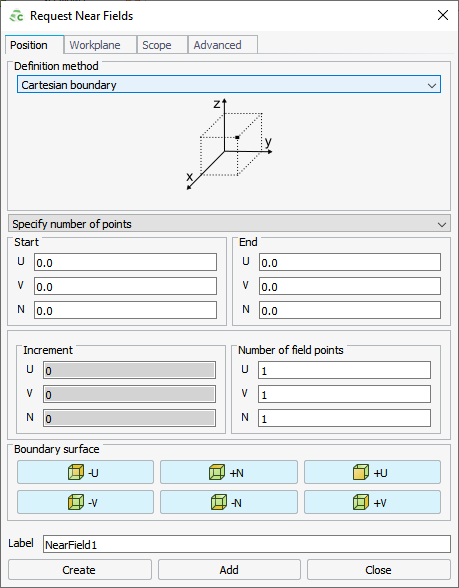
Figure 2. The Request Near Fields dialog. -
Under Boundary surface, click the applicable button if
you want to exclude a surface from the Cartesian boundary near field request.
Click on one or more of the following to exclude:
 -U: Exclude the surface in the negative U
direction.
-U: Exclude the surface in the negative U
direction. +N: Exclude the surface in the positive N
direction.
+N: Exclude the surface in the positive N
direction. +U: Exclude the surface in the positive U
direction.
+U: Exclude the surface in the positive U
direction. -V: Exclude the surface in the negative V
direction.
-V: Exclude the surface in the negative V
direction. -N: Exclude the surface in the negative N
direction.
-N: Exclude the surface in the negative N
direction. +V: Exclude the surface in the positive V
direction.
+V: Exclude the surface in the positive V
direction.