


|
Adding Parameters
Steps:
1. On the Parameters tab, click
 .
.
A new parameter entry displays.
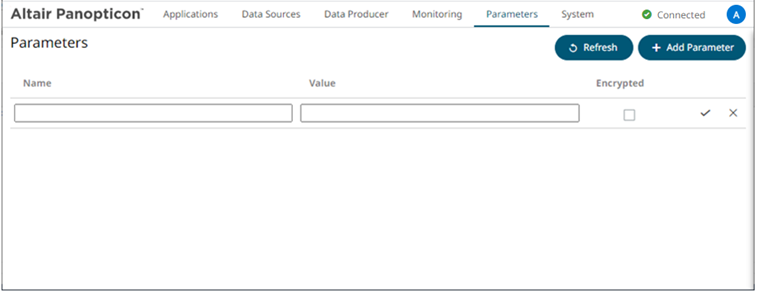
2. Enter a Name for the new parameter and the Value.
3. Select the Encrypted check box to encrypt the value.
4. Click  . The new parameter is added in the
list.
. The new parameter is added in the
list.
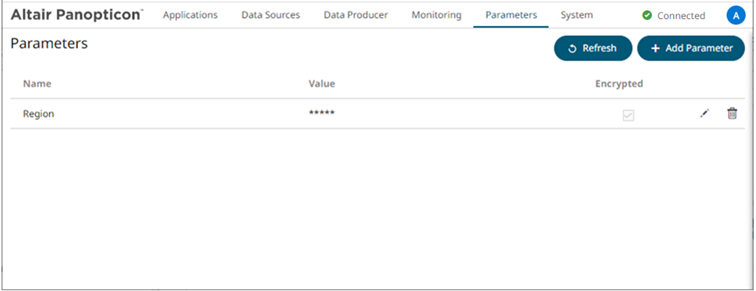
New parameters are added in the Parameters.json file located in the AppData folder (i.e., c:\streamsseverdata).