Importing a Report Template for Reuse
A report template can be imported from an XML file to reuse in the current POSTFEKO session.
-
On the Reporting tab, in the
Reports group, click the
 Import / Export template icon. From the drop-down list select the
  Import report template (*.xml) icon.
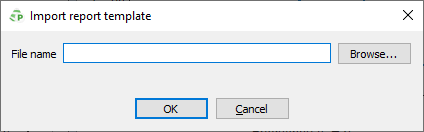
Figure 1. The Import report template dialog.