Rearranging Shape Palettes
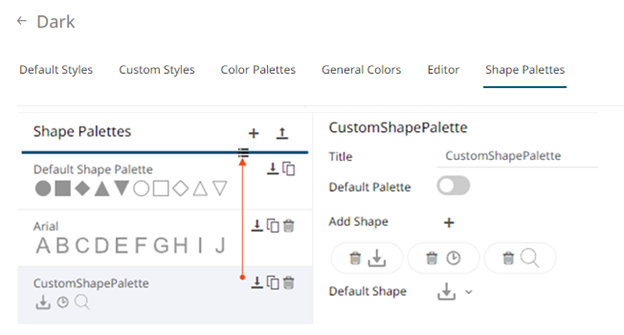
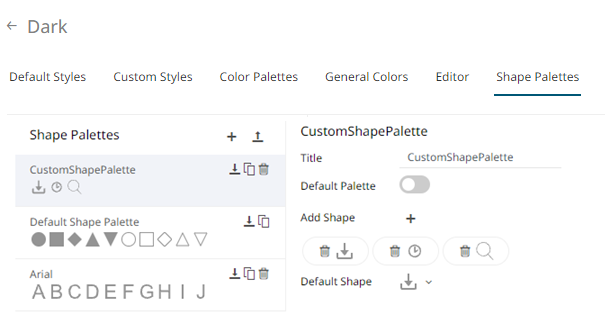
The order of the shape palettes can be rearranged.
- Click on a shape palette you want to move.
The Hand Hover
 icon displays along with the blue marker before or after a shape palette where you can drop the item.
 - Drag and drop the shape palette to the desired position.
-
Click the Save
 icon to save the changes.
(c) 2023 Altair Engineering Inc. All Rights Reserved.