Workspace Information
Clicking on the Information icon on the Monarch Data Prep Studio toolbar displays workspace information as a popup.
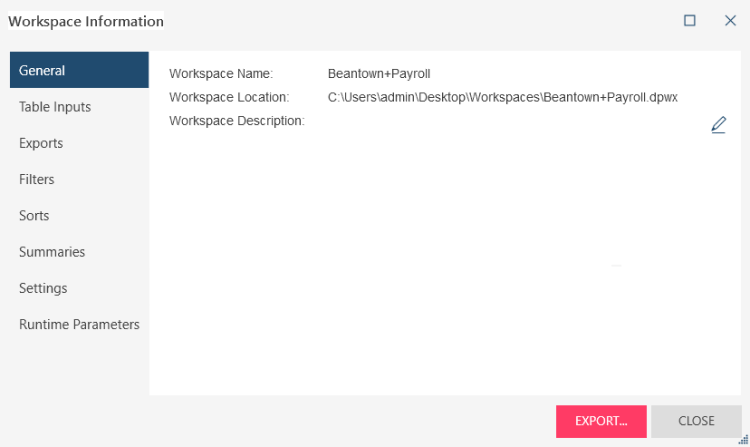
This popup describes:
- The general details of your workspace, such as the workspace name, location, and description, which you can edit.
- All table inputs, including their location, type, and connection details
- Any exports, filters, sorts, and summaries defined in the workspace
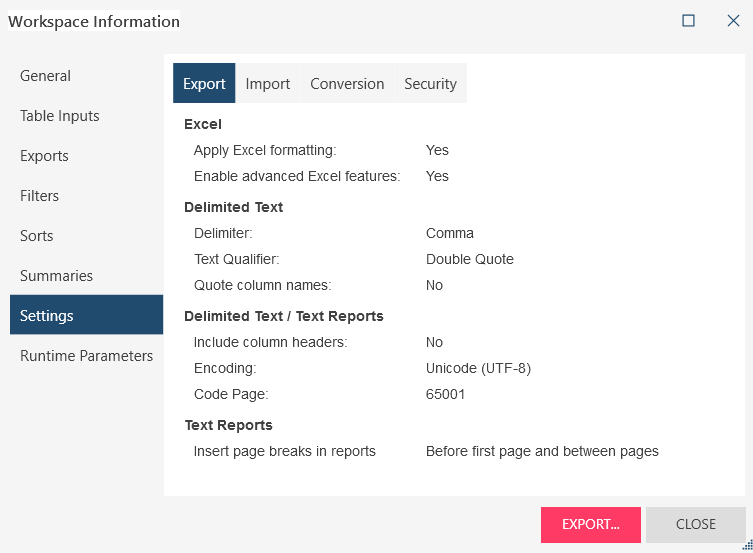
- Export, import, conversion, and security settings
- Runtime parameters defined for the workspace
(c) 2023 Altair Engineering Inc. All Rights Reserved.