


|
Saving to an Altair Monarch Server Library
When a project is saved to Altair Monarch Server Library, first you must save the model and then the project.
Steps:
-
Select File > Save As > Project/Model > Altair Monarch Server Library. Projects and models are saved to the server specified as the default server in the Altair Monarch Server Library Options dialog.
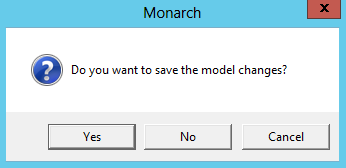
A dialog confirming whether changes to the model should be saved displays.
-
Click Yes.
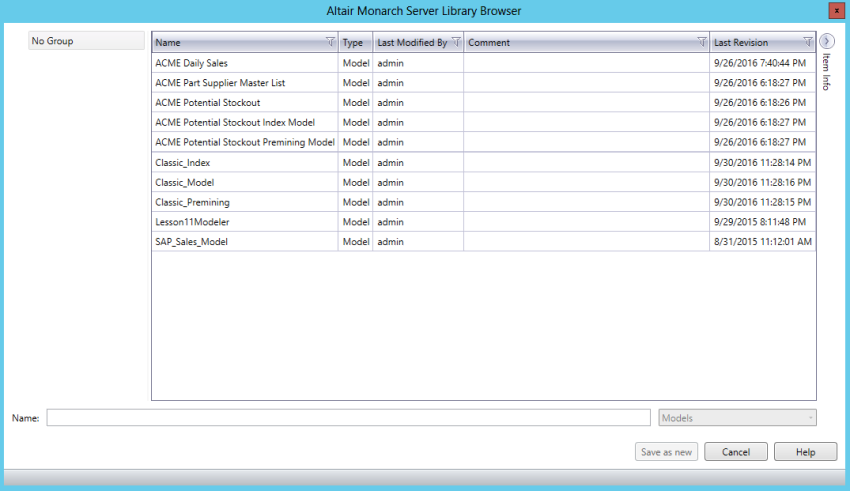
The Altair Monarch Server Library Browser displays.
-
Specify a filename to which your model should be saved and then click Save as New. If you wish to replace a pre-existing model, simply select the name of the model you wish to replace from the Model list and then click Replace.
-
Add a comment if you wish and then click OK.
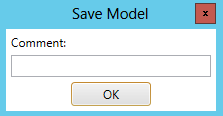
The Altair Monarch Server Library Browser dialog displays once more to enable you to save the actual project. Repeat Steps 3 and 4 to save your project.
Your project is save to Altair Monarch Server.