


|
Editing a Template
You can edit a template to change its name, trap, or column definitions.
Steps:
-
Select the template you wish to edit from the Templates list.
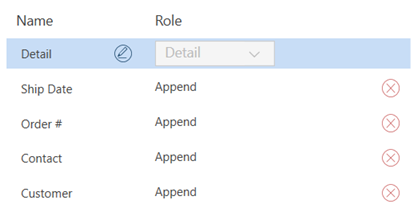
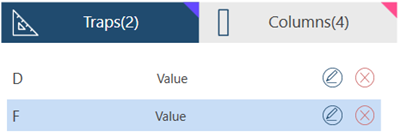
The Traps and Columns associated with the template are displayed on the Traps and Column List:
-
Do one of the following:
-
Click on the edit icon
 if you want to change the template name.
 -
Select the delete icon
 to delete the template.
 -
Edit the traps and columns associated with the template. Refer to Refining Traps for details
-