


|
Creating InfluxDB Output Connector
Allows periodical dumping of data from a Kafka topic into a time series database such as InfluxDB.
Steps:
1. On the Data Source tab, select Output > Influx DB in the Connector drop-down list.
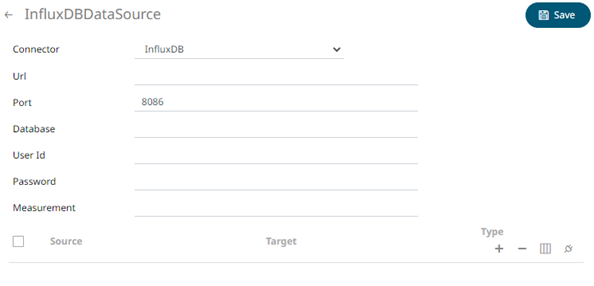
2. Define or select the following properties:
|
Property |
Description |
|
URL |
URL of the InfluxDB. |
|
Port |
The port running the InfluxDB HTTP service. Default is 8086. |
|
Database |
The name of the database that will be communicate over the HTTP(S). |
|
User Id |
The user Id that will be used to connect to InfluxDB. |
|
Password |
The password that will be used to connect to InfluxDB. |
|
Measurement |
The table name that can be used as measurement. |
3. Click  .
A new column entry displays. Enter or select the following properties:
.
A new column entry displays. Enter or select the following properties:
|
Property |
Description |
|
Source |
The column name of the source schema. |
|
Target |
The column name of the target schema. |
|
Type |
The data type of the column. Can be a Text, Numeric, or Time |
4. Repeat step 3 to add more sources.
5. You can also click any of the following buttons:
|
Button |
Description |
|
|
Check the topmost |
|
|
Check the |
|
|
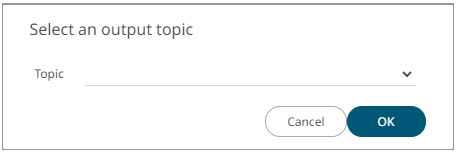
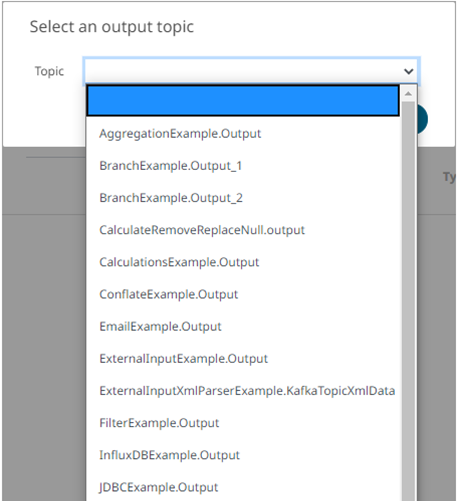
Allows you to select an output topic in the drop-down list.
Click OK. The schema of the selected output topic is displayed. |
|
|
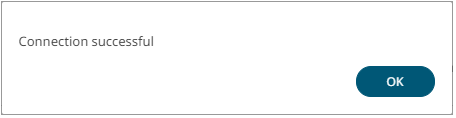
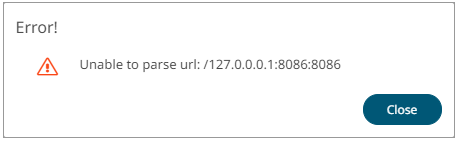
Tests if the connection to the output connector is successful. If successful, a confirmation message displays.
Click OK. Otherwise, an error prompt displays.
Click Close and fix the connection error. |



6. Click  .
The new data source is added in the Data Sources list.
.
The new data source is added in the Data Sources list.