


|
Deleting Data Sources Using the Toolbar
Users with a Designer role can delete one or several data sources using the toolbar.
Steps:
1. Check the box of one or several data sources either:
· on the Grid View, or
· on the List View
2. Click  on the toolbar.
A notification message displays.
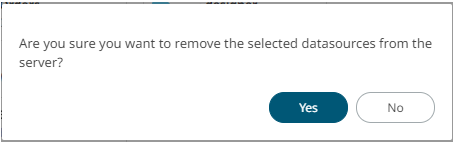
3. Click  to remove.