


|
Starting an Application on the Application Page
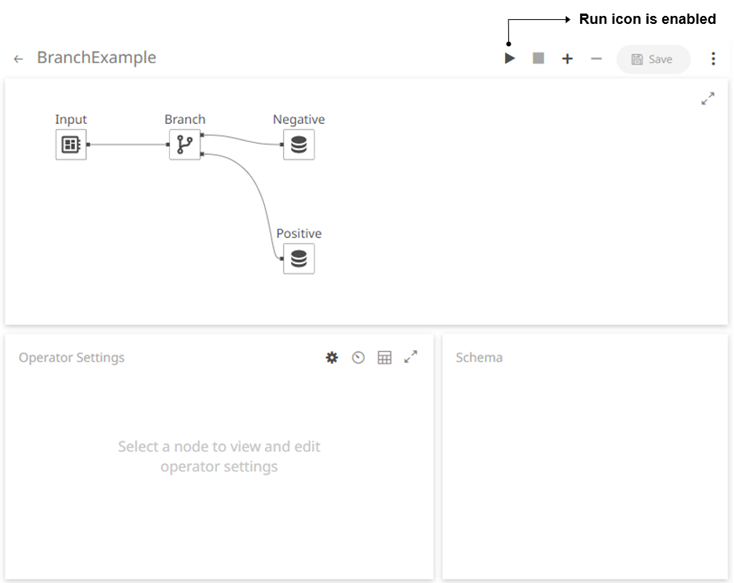
Steps:
1. On the Applications tab, click an application link to open and display it on the Application page.
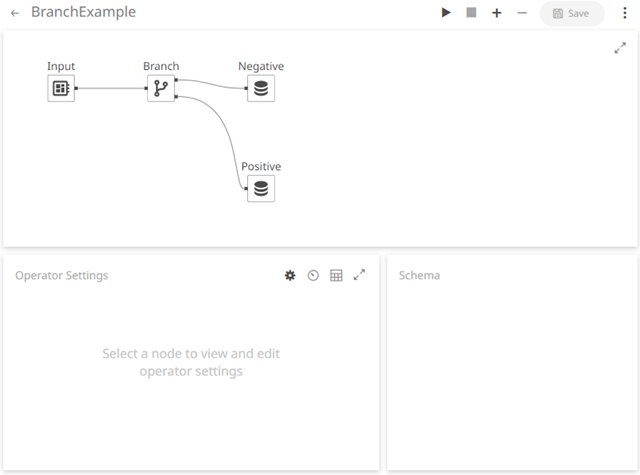
2. Click  to run the application.
This
also enables the  icon and generates the
stream topics and
the data
producer.
icon and generates the
stream topics and
the data
producer.
3. You can also perform the following:
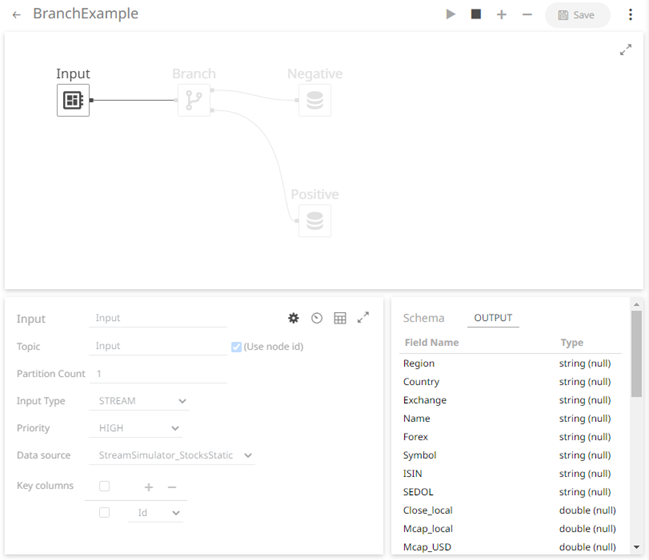
· click on a node in the Graph
panel and  to
display its Operator Settings as well as the preview of the data (OUTPUT)
in the Schema panel
to
display its Operator Settings as well as the preview of the data (OUTPUT)
in the Schema panel
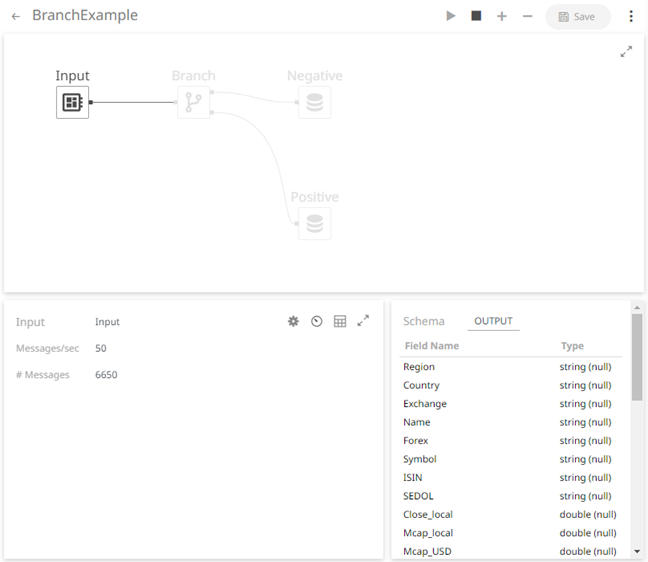
· click  to
display the node’s Metrics as well as the preview of the data (OUTPUT)
in the Schema panel
to
display the node’s Metrics as well as the preview of the data (OUTPUT)
in the Schema panel
· select all the nodes and click to display all of their
throughput values (total and current message rates) in the Metrics
panel.
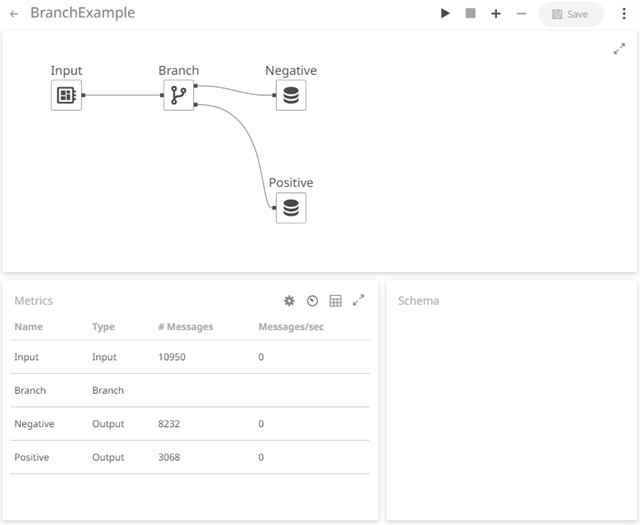
· select an input or output node and click
 to
display the data preview.
to
display the data preview.
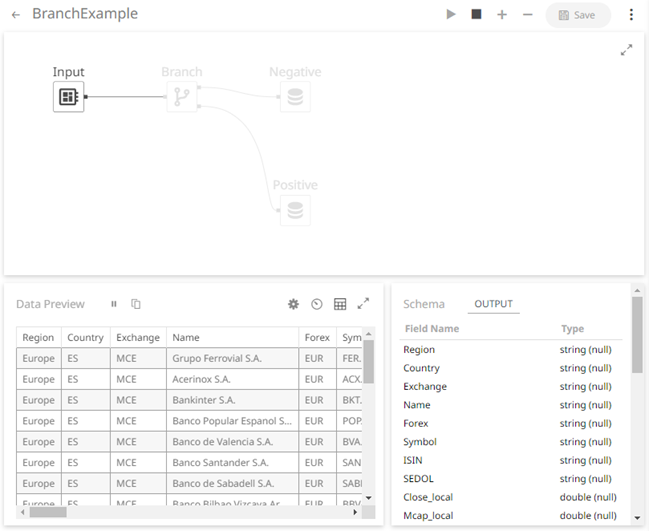
You can also click:
 to copy the data
to a clipboard.
to copy the data
to a clipboard.
 to pause the update.
To start the update, click
to pause the update.
To start the update, click  .
.