


|
Undoing Prep Data Operations
Data Prep Studio tracks all transformations that you carry out on a table and logs these in a Change History. You can review the transformation you have carried out, and you can also use the history to undo any operation.
Changes are tracked only in the Prepare Window.
Steps:
-
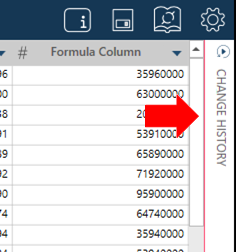
While in the Prepare Window, select Change History:
-
Review your history of changes then select Undo beside the operation you want to reverse.
-
To hide the Change History, select Change History again.
The Change History panel displays:
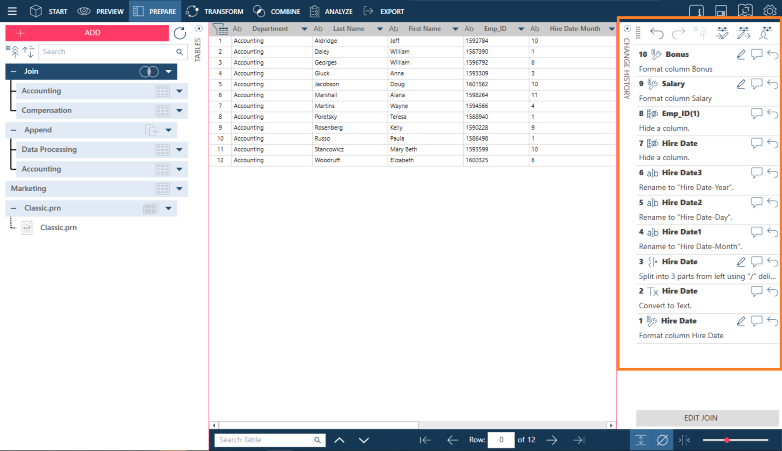
Note that selecting Undo for one operation will also undo all operations after it.
Related Links