Adding Image as Reference to Data Cut Orientation
Add an overlay image to a polar graph as a reference to the data cut orientation.
Data must already be added to the polar graph for this
option to be available.
-
On the Display tab, in the
Image group, click the
 Chart image icon.
-
Under Model reference to data cut orientation, select a
far field request.
Note: This type of image is automatically updated depending on the selected data cut for the trace.
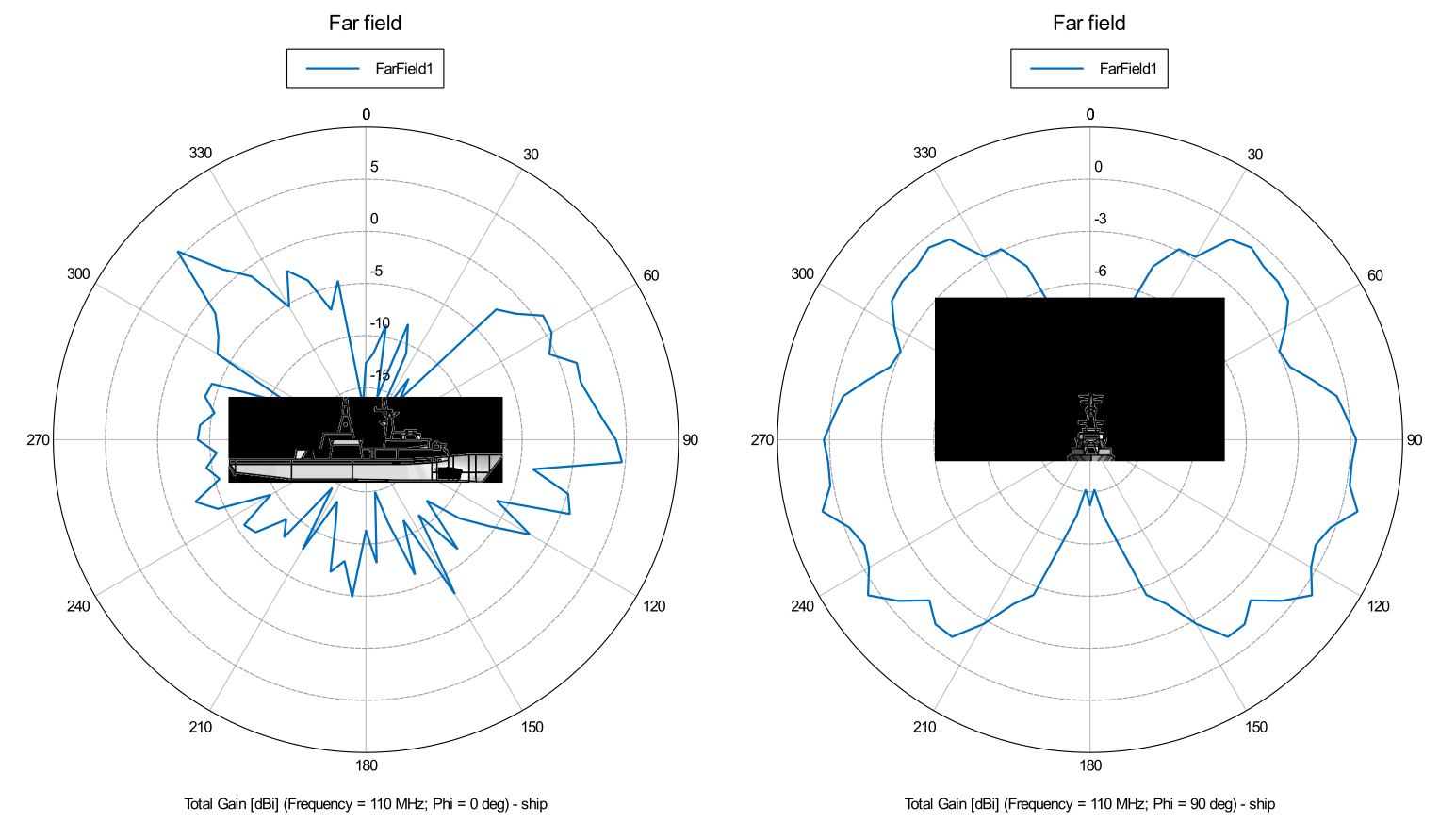
Figure 1. The image is added to the polar graph as q reference to the data cut orientation. On the left, phi was set to 0 degrees. On the right, phi was set to 270 degrees and the overlay image was automatically updated to reflect the changes.