


|
Deactivating Monarch Manually
An activated license can be deactivated using the Internet or via offline deactivation.
STEPS:
-
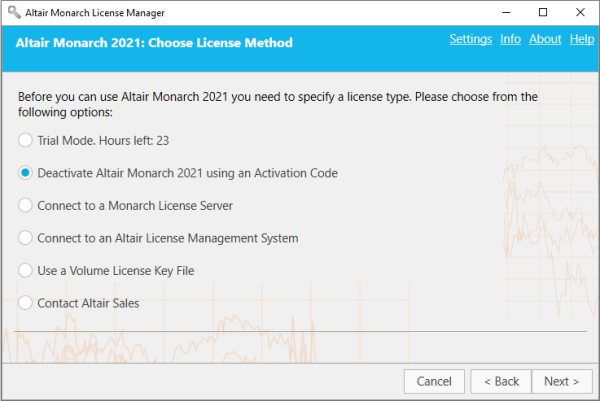
Launch License Manager. In the Choose License Method screen, ensure that Deactivate Altair Monarch 2021 using an Activation Code is selected and then click Next.
-
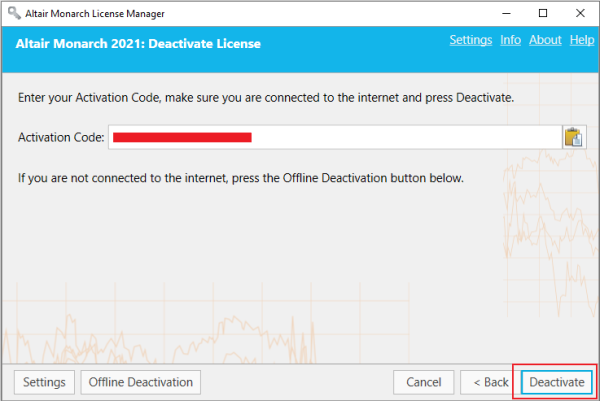
In the Deactivate License Screen that displays, perform one of the following actions.
-
If the activation code already appears, simply click the Deactivate button.
-
If the Activation Code does not appear, paste your Activation Code to the Activation Code field using the Paste icon and then click the Deactivate button.
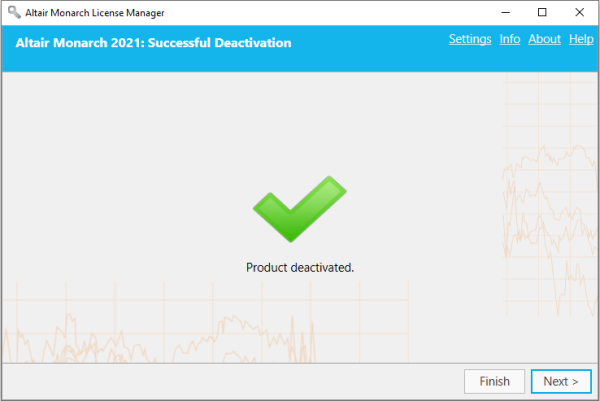
A message will appear to confirm that deactivation was successfully completed.
-