


|
New Installation
If you need to install the latest version to a new directory using a new database, launch the Monarch Server installer and follow the steps below.
1. In the directory with installation files, double-click MonarchServerInstaller.exe to launch the Monarch Server Installation Wizard.
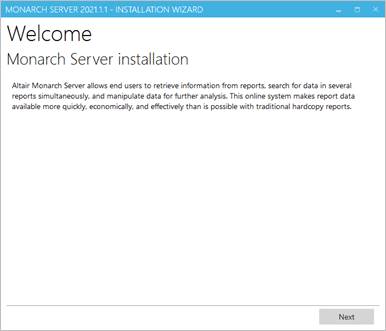
Click Next.
2. The License Agreement dialog box appears.
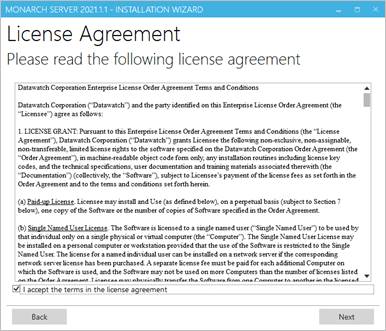
If you agree to the license terms, select I accept the terms in the license agreement, and then click Next.
3. The Upgrade dialog box appears. To install the latest application version to a new directory, specify the New Installation option.
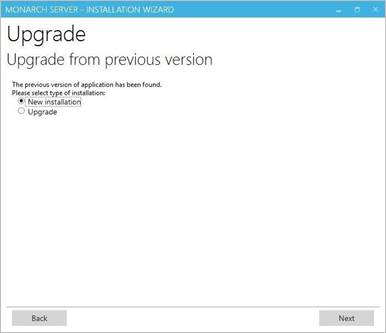
Click Next.
4. The Install Location dialog box appears. Proceed to steps 2 to 8 of the Advanced Installation.